
Fit Mentor Project
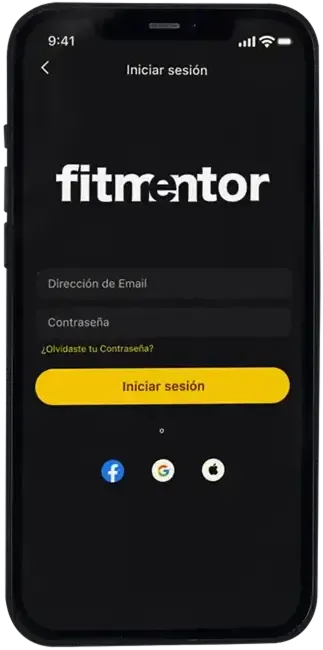
Mobile app for personal trainers. Allows creating training plans quickly and organized.
Objective
Creating an app from scratch for personal trainers
Improving the digital experience of trainers, facilitating planning, routine tracking and communication with their clients, all from a clear and intuitive interface.
My role
- Branding construction
- MVP definition
- User flow design
- UX research
- Feature ideation and validation
- Wireframes and interactive prototypes creation
- iOS-centered interface design
- Visual system development
- Motion UI
Tools
- Figma
- Illustrator
- Photoshop
Problem
Currently, personal trainers face difficulties in making themselves known and lack adequate tools to provide their advisory services. This lack of visibility and resources can limit their ability to reach new clients and offer quality service.
User insight
There is a willingness of personal trainers to adapt to new technologies and expand their reach beyond their physical location.
Detected opportunity
Trainers need more effective tools and methods that allow them to instruct, correct and monitor remotely in a professional manner.
The Solution
FitMentor is an app designed for personal trainers that centralizes client management, creating personalized training plans and promoting their services. From the app, users can access tools such as an exercise bank, tracking their clients' performance and options to expand their professional visibility.
Research
Based on the Design Thinking methodology, a solution was developed centered on the real needs of personal trainers. Market research, analysis of various competitors and interviews and tests with real users were conducted to understand their true expectations and pain points. This allowed the definition of the key functionalities of the MVP, validation of the proposal from early stages and structure of a clear and efficient information architecture, focused on offering an intuitive, functional and visually coherent experience.
User Flow
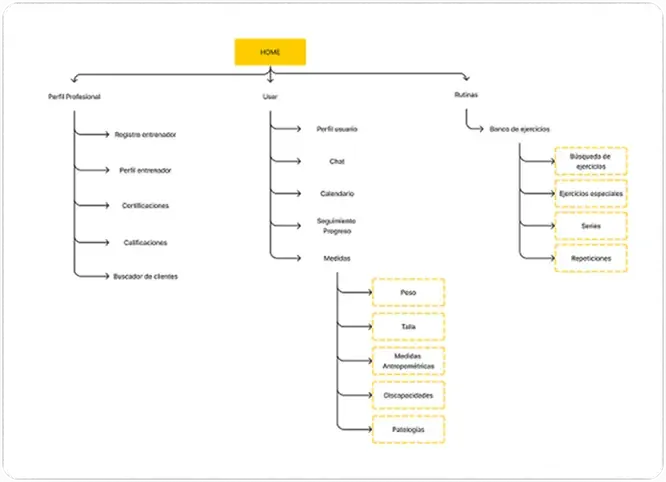
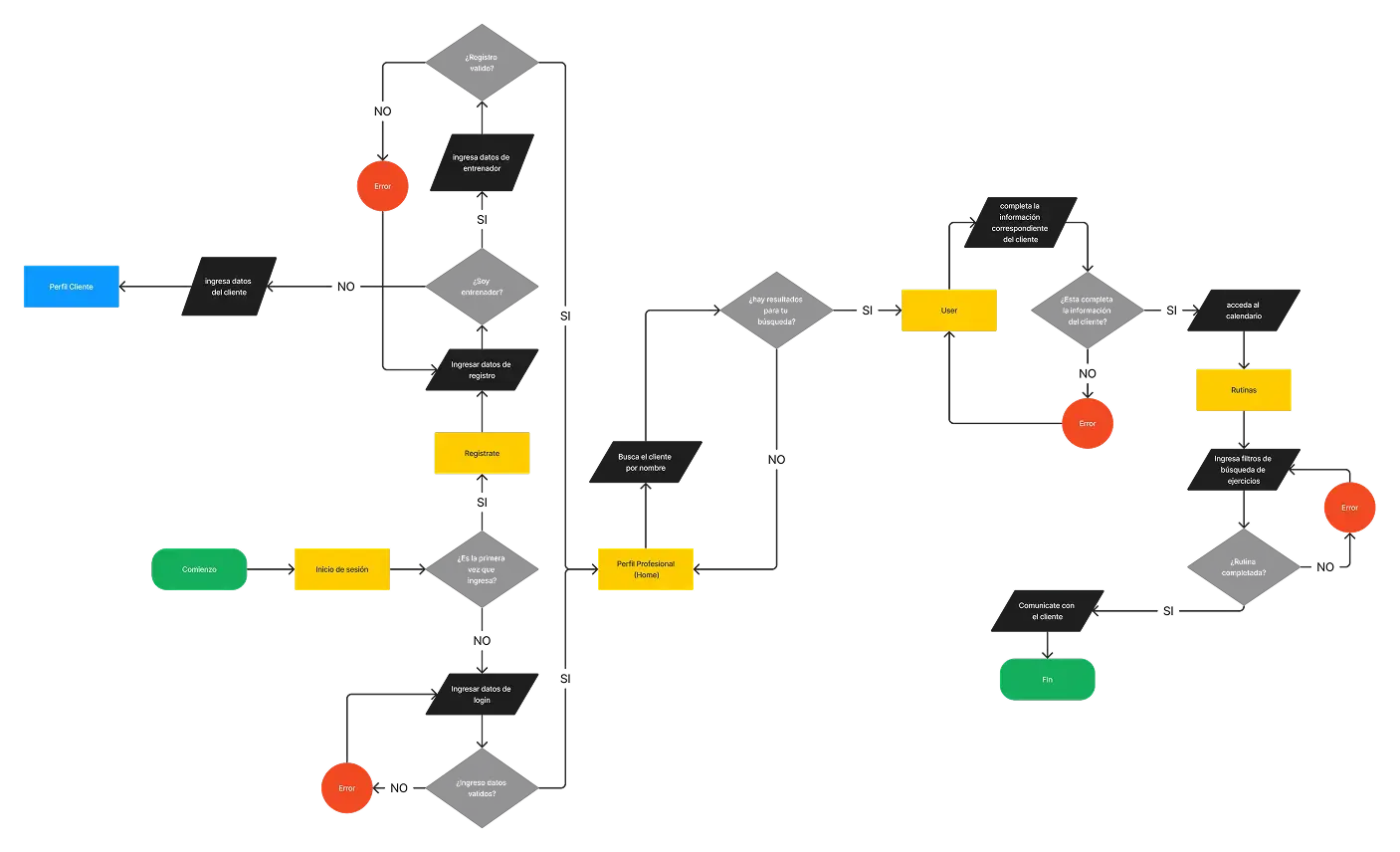
Defines the main routes that the trainer can take within the app. From this flow, the screens were organized, prioritizing quick access, simplicity and efficiency.
Visual Identity
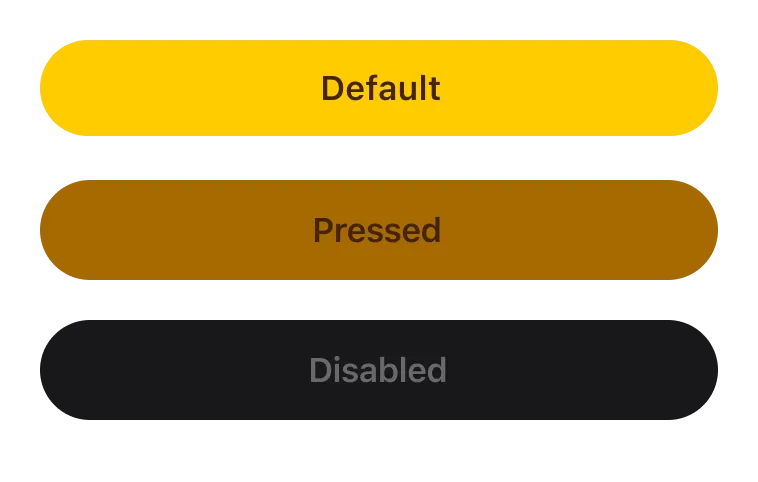
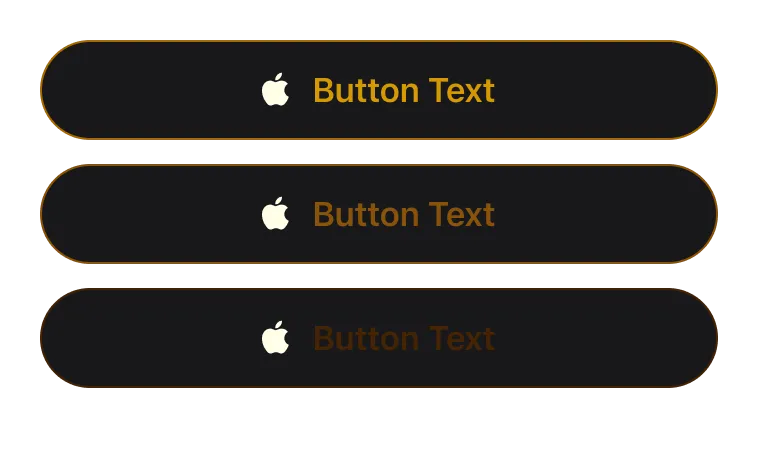
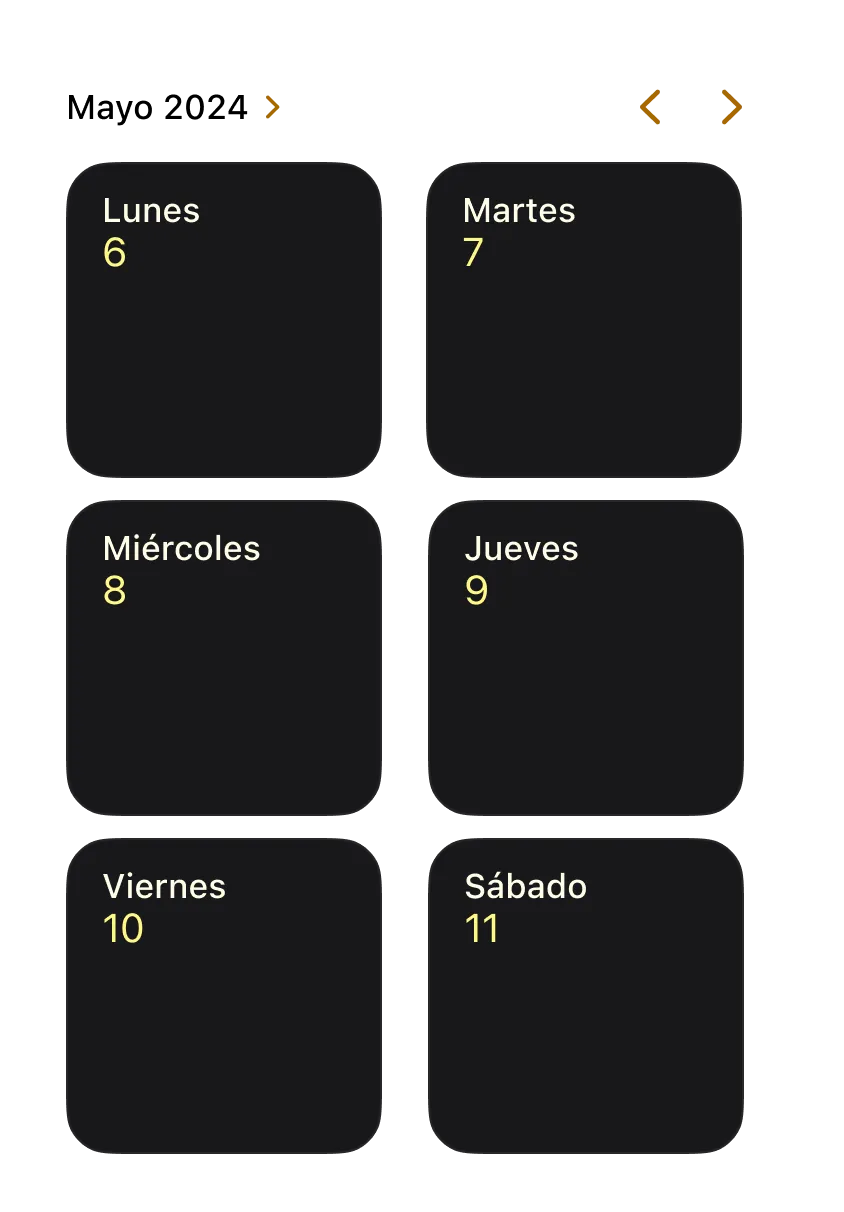
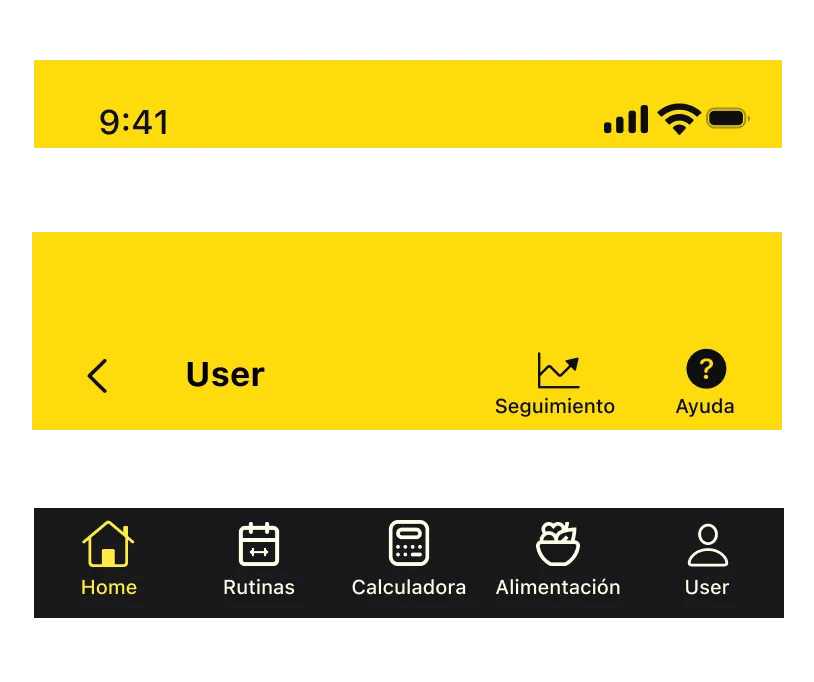
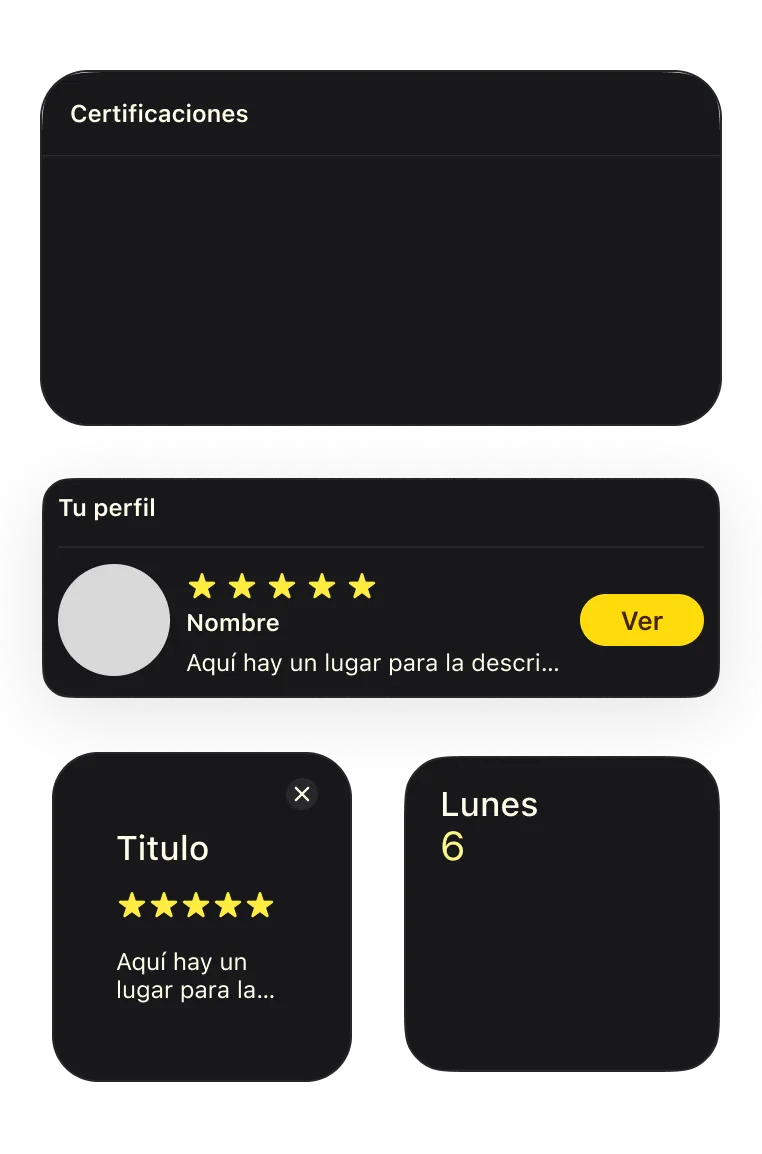
A visual identity was defined based on a color palette that transmits energy, professionalism and clarity. The goal was to find a balance between strength and elegance to represent the essence of the app. Each interface component was designed with visual consistency, prioritizing an intuitive, accessible and functional experience for the user at all times.
Primary
#FFCC00
Secondary
#D1952D
Acent
#18181B
Background
#0E0E11
SF Pro Text Regular
Main Features
Exercise Bank
This interface within the Routines section allows the trainer to select the day from the calendar and quickly build the workout. You can search and add exercises for different muscle groups, easily configuring sets and repetitions. This way, daily planning is facilitated and work time is optimized.
Client Profile
From this section, the trainer can access each client's profile, record and consult their personal data, body measurements, relevant pathologies or diseases. All information is kept organized and editable, allowing it to be easily updated at any time for more precise and personalized tracking.
Progress Tracking
The app allows you to visualize each client's progress on a daily, monthly or annual basis. Through specialized graphs, the trainer can identify progress, adjust routines according to results and maintain a clear view of their clients' evolution.
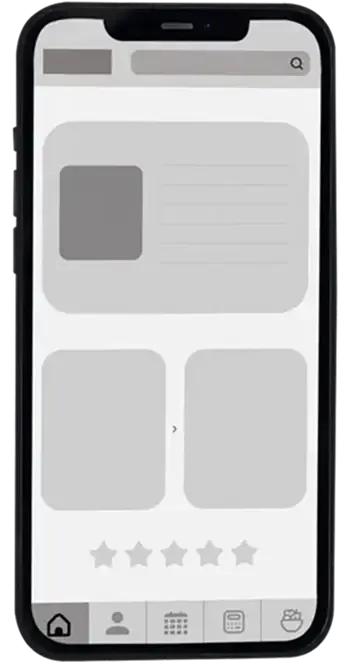
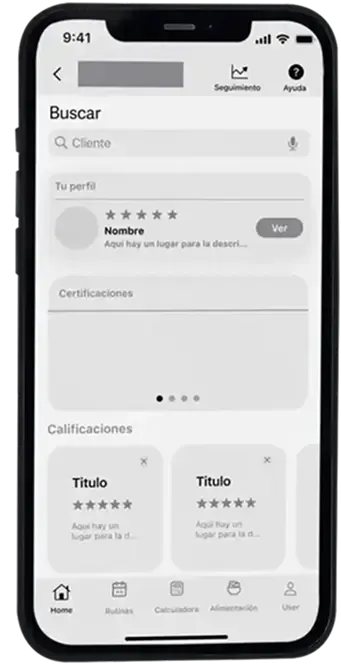
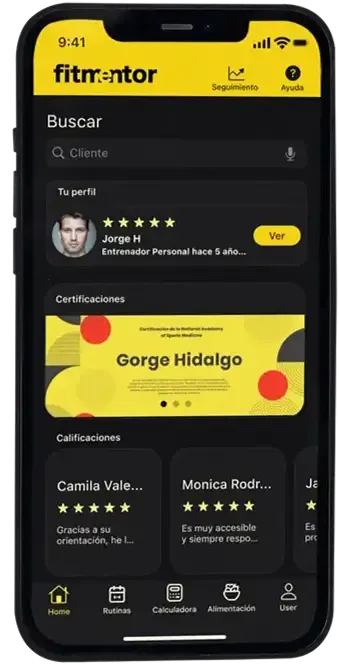
FitMentor was a project that applied a comprehensive vision, combining strategy, research and visual execution. Throughout the process, decisions were made based on real needs, efficient flows were structured and interfaces were designed that not only work, but also connect visually. This project strengthened skills in mobile interface design, consistent visual systems and microinteractions, understanding how each detail can transform the user experience. It showed that a good solution not only solves a problem, but empowers the work of those who use it.